Job AI Proofing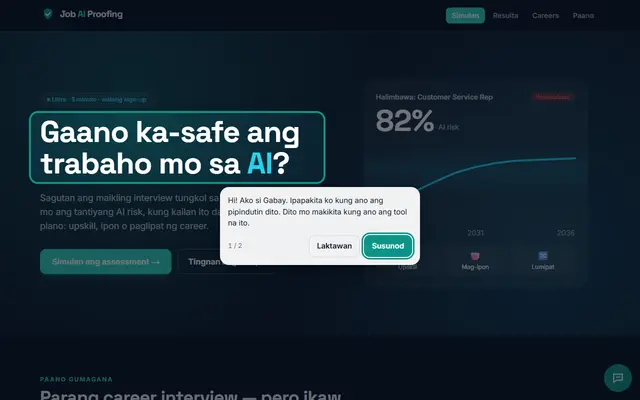
AI tool
Job AI Proofing
See how AI may change your job, and what to learn next.
Visit↗(opens in a new tab)Use AI at work to draft, summarize and check, while you keep company rules and private data safe.
Four places where AI saves you the most time.
Turn rough notes into decisions, owners and dates.
Make long or tricky emails short and polite.
Outline a report from your bullet points.
Ask how to do a task in Excel or Sheets step by step.
Small, real results. Do one a day.
Replace the [BRACKETS] with your details, then paste into ChatGPT, Claude or Gemini.
You are a helpful project assistant.
Here are my rough meeting notes:
[PASTE NOTES, NO PRIVATE DATA]

Write: 1) a 3-line summary, 2) decisions made, 3) action items as a table with owner and due date, 4) open questions. Keep it short and clear.
Rewrite this email so it is clear, polite and short (max 120 words). Keep my main point: [YOUR MAIN POINT].
Reader: [WHO, EXAMPLE: MY MANAGER]
Draft:
[PASTE DRAFT]

Give me 2 versions: warm and direct.
I use [EXCEL / GOOGLE SHEETS]. My data looks like this:
[DESCRIBE COLUMNS OR PASTE 3 SAMPLE ROWS]
I want to: [EXAMPLE: TOTAL SALES PER MONTH BY REGION]

Give me the exact formula or steps, explain each part in one line, and tell me one common mistake to avoid.
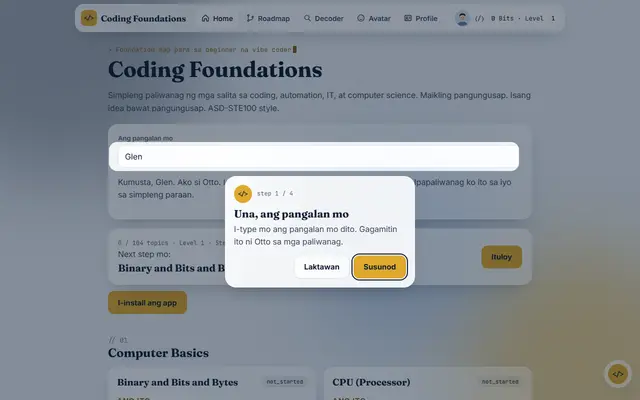
Job AI Proofing: See which of your tasks AI will change. Coding Foundations: Learn the automation basics behind your office tools.
3 questions. Finish it to earn points.